
Your phone is already in your pocket. The next step is learning how to see.
Three editions on mobile photography — light and composition, storytelling and travel, editing and creative style. No camera to buy. No gear to carry.
Explore the collection
You don't need a better camera. You need a better eye.
What separates a snapshot from a photograph is almost never the phone. It is where you stood, what you left out of the frame, and whether you waited for the light.
Light
Reading a scene before you lift the phone, and knowing when to come back.
Composition
Thirds, symmetry, lines and depth — and the half-step that fixes most photos.
Story
Photographs that carry something, not just a record that you were there.
Style
Editing and mood, until the images start looking like yours.
Three editions. One progression.
Each one stands on its own. Read in order and they build on each other.
Learn to see
The foundations. Light, composition and framing, applied to the ordinary things already in front of you.
Learn to tell
Photographs with intention. People, travel and culture, shot as a sequence that carries a place instead of listing it.
Learn to create
Your own look. Editing, low light and the decisions that turn good photographs into a recognisable style.
See→Tell→Create
Mastering Mobile Photography
Buy the edition that matches where you are, or work through all three in order.
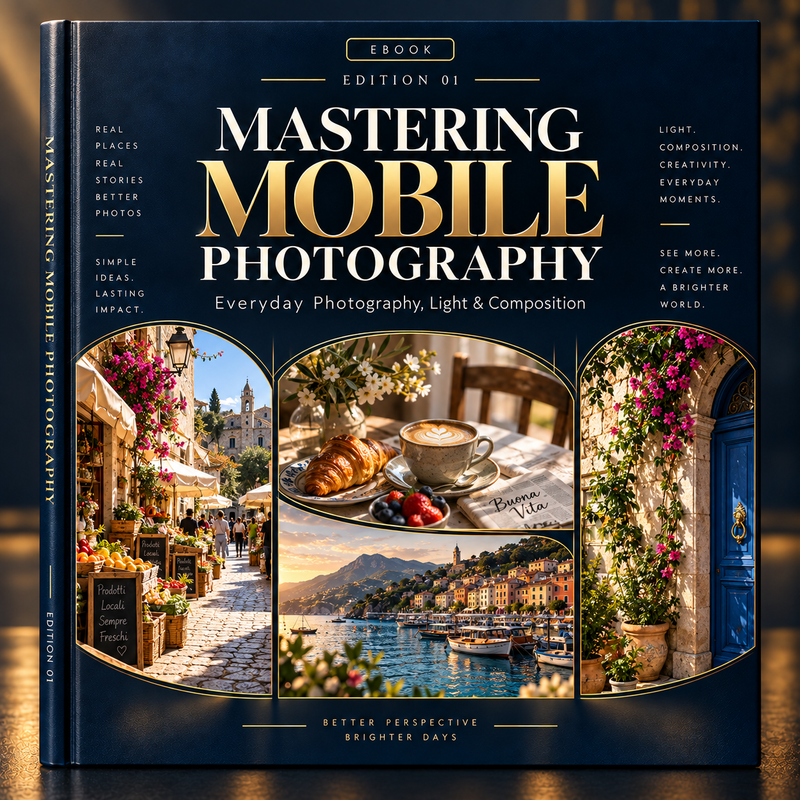
MASTERING MOBILE PHOTOGRAPHY — EDITION 1
Everyday Photography, Light & Composition
For people who take a lot of photos and want to understand why some of them work. Light, angles, framing and the everyday scenes you already walk past.
You don't need a better camera. You need a better eye.

MASTERING MOBILE PHOTOGRAPHY — EDITION 2
Portraits, Travel & Visual Storytelling
Once the basics are there, this is about intention. Portraits, journeys and local life, shot as a story rather than a list of monuments.
Don't just capture places. Capture what they feel like.
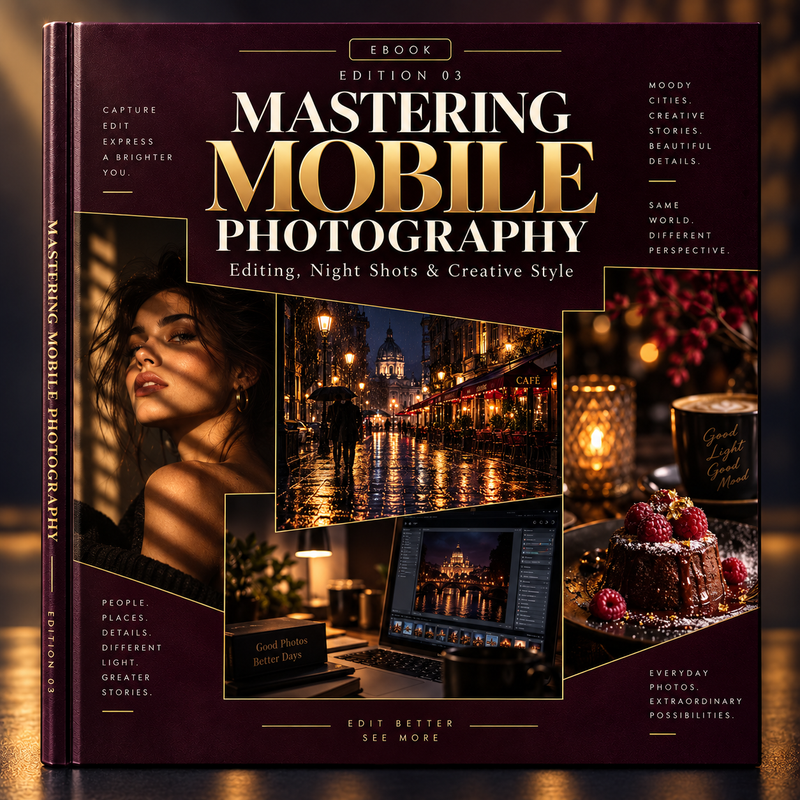
MASTERING MOBILE PHOTOGRAPHY — EDITION 03
Editing, Night Shots & Creative Style
The creative edition. Editing without overcooking it, shooting after dark, and building a look that is recognisably yours.
Same world. Different perspective.
Everything, in the order it makes sense.
Light & composition
- Using natural light
- Finding better angles
- Thirds, symmetry and lines
- Depth and perspective
- Reflections, colour and shadow
- Streets, cafés and buildings
- Objects and everyday scenes
- The mistakes that flatten a photo
People & stories
- Natural portraits
- Where to place someone in a frame
- Light on a face
- Backgrounds, depth and movement
- Markets, streets and architecture
- Food and local culture while travelling
- Documenting a day, and a trip
- Building a sequence, not a folder
Editing & style
- Exposure, contrast and curves
- Highlights, shadows and temperature
- Colour, saturation and white balance
- Selective edits, and not overdoing it
- Night photography and city lights
- Rain, reflections and shop windows
- Backlight, shadow and contrast
- Keeping a look consistent
No camera. No studio. No course.
What we are selling is not technology. It is knowledge, creativity and a different way of looking at what is already in front of you.
Two people can photograph exactly the same place and come away with two completely different images.
You take a lot of photos
And you can tell some of them are better than others, without quite knowing why.
You travel and want more than proof
Three hundred photos of a trip, and none you would print or show.
You post, and want it to look considered
Images that hold together as a feed, not as a pile of good intentions.
You have no interest in gear
Nothing here depends on the phone in your hand or the model you own.
Same world. Different perspective.
Start with the edition that matches where you are, and see the difference in the next photo you take.
Explore the collectionEbooks · Instant download · Yours to keep